Scene direction
Write the subject, setting, action, light, style, and mood in one clear production-ready brief.
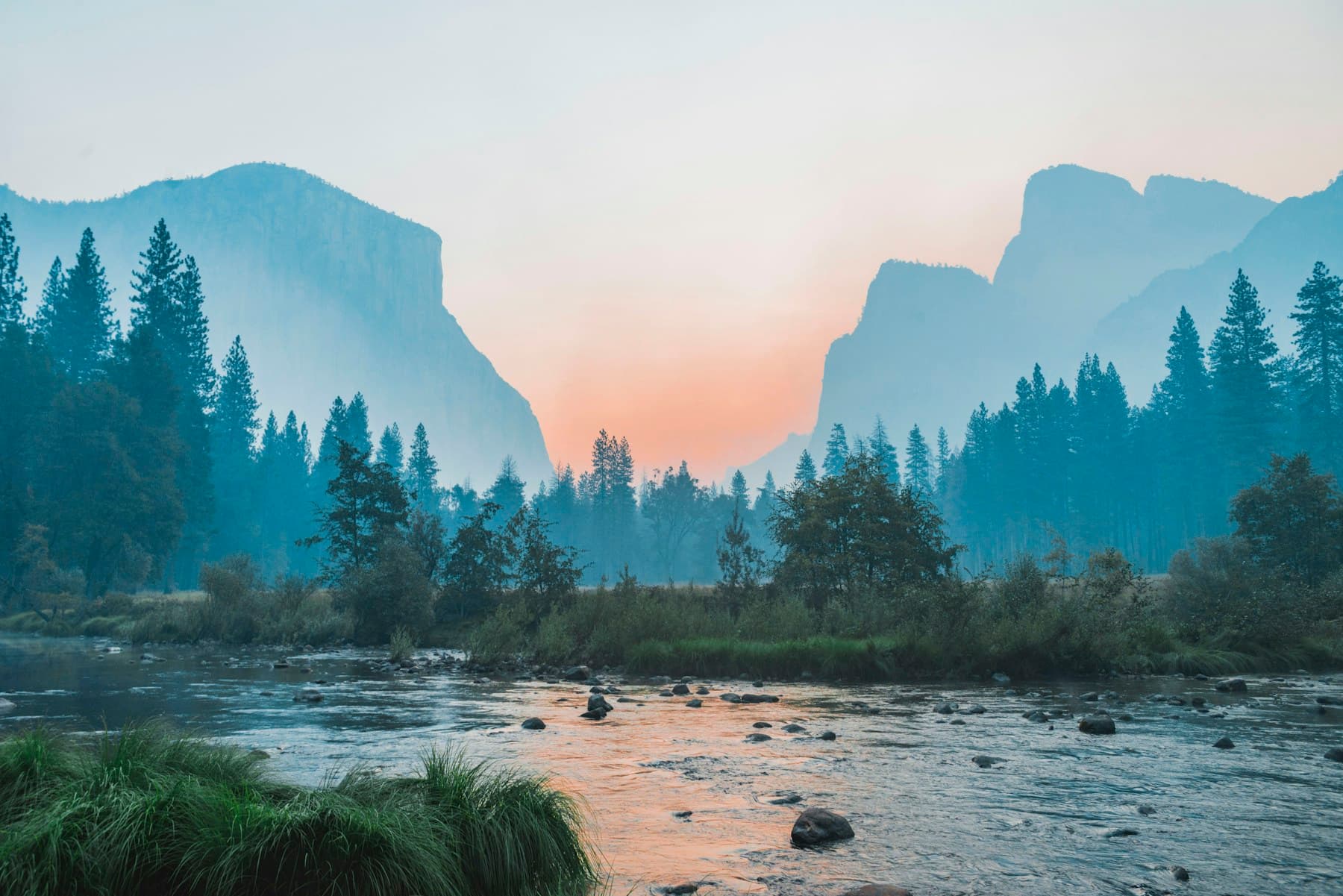
Text to Video
Turn written prompts into cinematic AI videos with Seedance 2.5 text-to-video direction, camera language, motion, and pacing.
Write the subject, setting, action, light, style, and mood in one clear production-ready brief.
Guide movement with dolly, pan, push-in, handheld, aerial, macro, and other cinematic camera terms.
Compare prompt variants and refine the version that best matches your creative intent.
Yes. Describe the subject, scene, action, camera, lighting, and style to start a text-to-video workflow.
It is useful for ad concepts, product shots, social clips, character motion, cinematic scenes, and creative previews.
Yes. The workspace supports model, aspect ratio, duration, resolution, and audio settings.