Zero equipment cost
No motion capture suit, sensors, or studio required. Upload a reference video and character image to begin.
Video Control
Guide camera movement, subject action, pacing, rhythm, transitions, and shot structure before generation.
720p: 8 credits / second × 5s, rounded up for the estimate.
Ready to generate.
Motion Control Demo
Combine one reference image with one motion video to control subject, framing, and action rhythm.
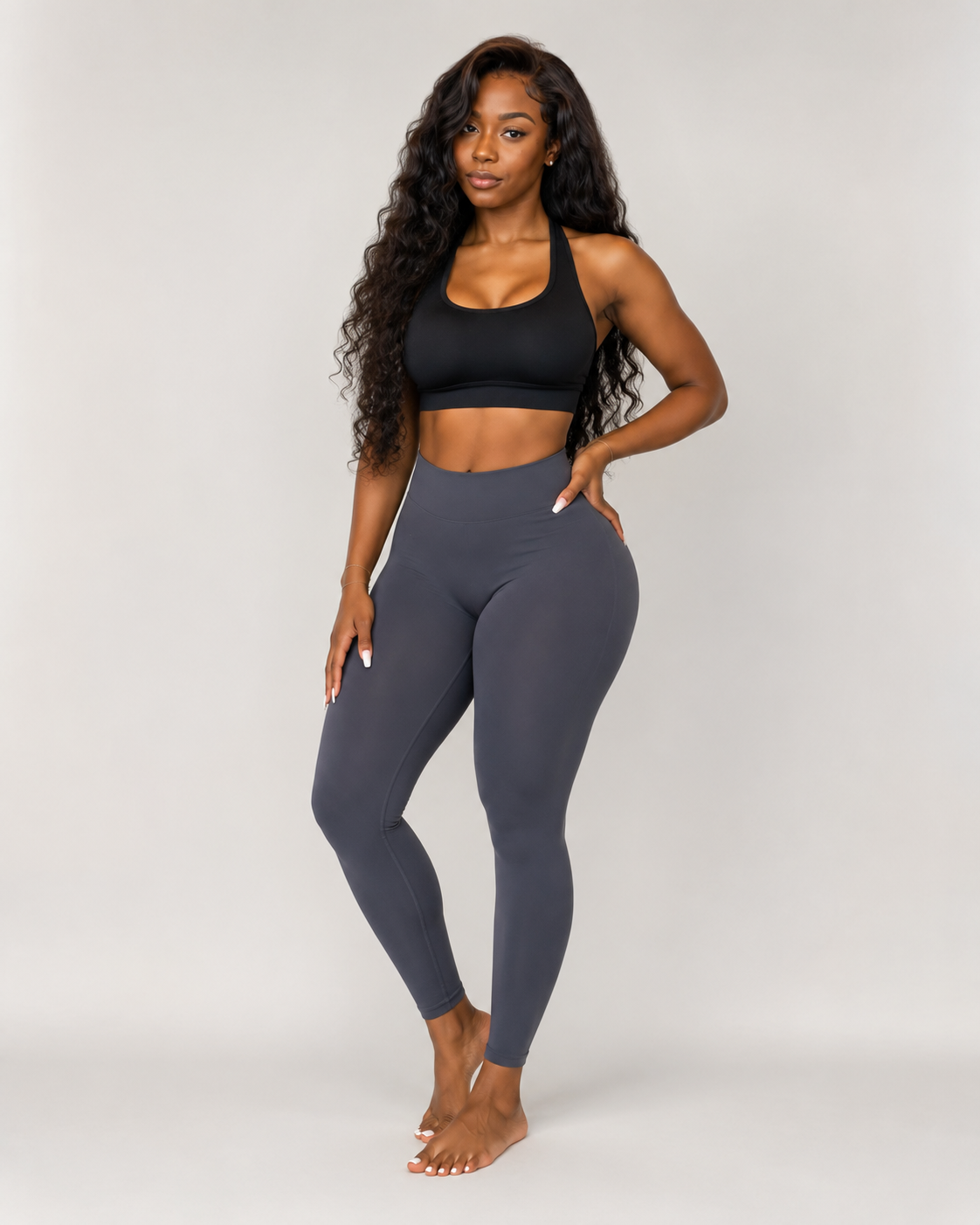
Reference image
Subject and style
Motion video
Motion path
Motion Control output
Controlled output
What is Motion Control?
Motion Control uses an image to lock subject and style, then a video to provide motion path, action rhythm, and camera direction.
It works for character animation, product motion, ad shots, and social clips where prompt-only motion is too vague.
Seedance 2 Motion Control Engine
Fixed model, focused motion control
Professional motion transfer without expensive mocap gear
No motion capture suit, sensors, or studio required. Upload a reference video and character image to begin.
Transfer motion to characters in any style, including realistic, anime, 3D render, or illustration.
Combine any reference action with any character to create impossible scenes and cross-style animation.
Generate professional motion-transfer videos in under 30 seconds. Iterate quickly without long render waits.
Everything needed for professional motion transfer
Capture complete body movement, including limbs, torso, and head rotation with stable frame-to-frame continuity.
Preserve subtle hand and finger gestures from the reference video for realistic close-ups and sign-language animation.
Handle fast-changing complex actions such as martial arts choreography, dance routines, and athletic performance.
Transfer and coordinate motion across multiple characters for group dance, fight sequences, and ensemble performance.
Combine motion transfer with camera moves such as pans, tilts, zooms, and tracking shots for cinematic output.
Motion processing is completed securely in the cloud. Reference videos and character images are not stored or shared.
Use one image to lock subject, composition, texture, or character look.
Use one video to provide action path, speed, pose, and pacing.
Choose only between 720p and 1080p to keep the workflow focused.
1 image
reference
1 video
motion guide
720p / 1080p
resolution
Seedance 2
fixed model
This workspace is designed around image plus video references, so those inputs stay central.
This is the motion-control workflow, so the fixed model avoids accidental mismatches.
These two resolutions cover testing and polished output without cluttering the panel.
No. This layout and restriction only apply to the motion-control page workspace.
Use Motion Control to transfer reference-video motion to a character image. No equipment required.